Groupon voucherPaste your code.
Paste your code.
We’ll unlock your course.
Log in, paste your Groupon code, pick your course. That’s it — we’ll email you when it’s ready, usually within 24 hours.
Where do I find my code? ↓Loading…
Where’s my code?
In the Groupon app or website — three taps.
- 1Open your voucherApp: My Stuff. Website: My Groupons → See Details.
- 2Tap the lockThen choose Use voucher now.
- 3Copy the codePaste it into the form above.
More help finding your code
- Says “Order Processing”? Groupon can take up to ~4 hours. Wait until it says “Ready to redeem”.
- Pop-up says “at the merchant’s location”? That’s Groupon’s standard text — our courses are online, so it’s fine to unlock from home.
- Not logged in? Create a free Upskill account first — the form above shows the buttons.
- Tried the regular Redeem page? Groupon codes only work in the form on this page.
What happens next
- We email you when your course is unlocked.
- Log in → My Class → Start. Works on phone or laptop.
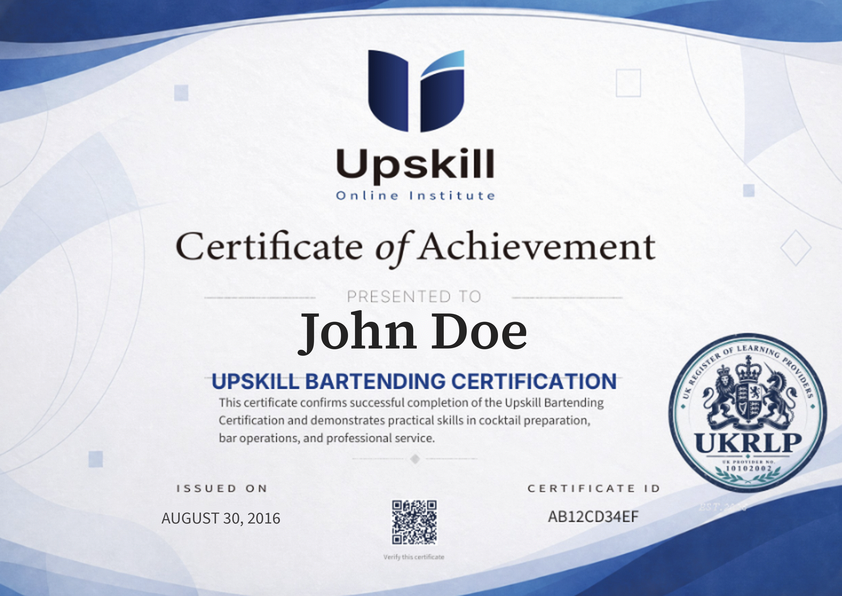
- Pass the final exam to get your certificate — $20, paid separately.
Questions
Is the certificate included?
The voucher covers the course. The certificate is a separate $20 fee, paid after you pass the final exam.
I can’t find my course after logging in.
Make sure you’re logged in to the same account you submitted the code from. Still stuck? Reply to our email and we’ll sort it out.
Something else?
Email hello@upskillonlineinstitute.com with your code and account email.